LiTime Xtra-Mini Voltage Chart: Why Resting Voltage Matters
VibePicks may earn a commission if you buy through links on this page, at no extra cost to you.
A LiFePO4 voltage chart is a rough reference, not a precise fuel gauge. For the LiTime 12V 100Ah Xtra-Mini Smart battery, the manufacturer’s chart applies to resting voltage after three hours with no charging or load. A number on a charger or a running RV display does not meet that definition.
This guide explains how to read that chart without turning a few hundredths of a volt into a false promise about remaining runtime. It is based on the model’s documentation, not a hands-on discharge test. The US store offered the single-battery version when checked on October 20, 2026; check current stock before ordering.
Xtra-Mini resting-voltage reference
| 25% SOC reference | 13.00–13.15 V |
| 50% SOC reference | 13.15–13.20 V |
| 75% SOC reference | 13.30–13.33 V |
| 100% SOC reference | ≥13.33 V |
Source: page 5 of the LiTime Xtra-Mini user manual. These are the manufacturer’s reference bands for this model. They are not universal calibration points for every 12V lithium battery.
Why a small voltage change can mislead you
Notice how closely the middle reference bands sit together. The 25% and 50% ranges even share a boundary at 13.15V. That overlap alone is a reason to avoid treating 13.15V as an exact percentage. A display that rounds the value can hide much of the distinction you are trying to measure.
The manual also identifies temperature, measurement equipment and differences between batteries as influences. Do not interpolate a confident percentage between the listed points or silently fill gaps in the table. If a reading does not fit neatly, that is uncertainty to keep in the plan, rather than a reason to invent another row.
Do not deliberately drain the battery to a low-voltage protection event to check the chart. An unexpected shutdown requires the model’s troubleshooting guidance and a review of the connected equipment. Do not bypass the battery management system.
Charging voltage answers a different question
The Xtra-Mini’s nominal rating is 12.8V, while its documented charging specification is 14.4V ±0.2V. These numbers describe different operating conditions. A charging reading near the specified charging voltage is not a contradiction of the resting table, and it does not by itself prove how much usable energy remains.
Choose charging equipment from the battery manual and the charger’s documented compatibility. Do not change a charger’s settings to force its live display to match a resting-voltage row. A charger, battery monitor and load-side display can be describing different moments or measurement points.
Use the reading alongside an energy plan
The battery’s advertised 100Ah capacity is not a countdown clock for an appliance. Load, conversion losses and the reserve you choose all matter. For a hypothetical planning example, if you allocate 500Wh to a steady 50W load, the energy-only calculation is 500 ÷ 50 = 10 hours. This is an assumption you set, not a measured Xtra-Mini runtime or a guarantee that the battery will supply that exact allowance.
Record the conditions alongside the number: whether charging was active, what loads were running, and whether the reading was actually taken after the manual’s rest period. Our runtime test log framework shows how to separate a planning estimate from observed energy use. It is a logging method, not a substitute for this battery’s instructions.
What Bluetooth adds, and what it cannot promise
This Xtra-Mini includes Bluetooth monitoring. The US product page lists state of charge, voltage and current among the available readings. That makes it easier to view several indicators together. It does not turn a voltage-only estimate into a guaranteed number of hours, nor does the presence of an app establish compatibility with every RV monitor or electrical system.
If you are buying for a tight compartment, use our separate Xtra-Mini fit and clearance guide before deciding. Monitoring features cannot compensate for a poor physical fit or an installation that has not been checked against the equipment documentation.
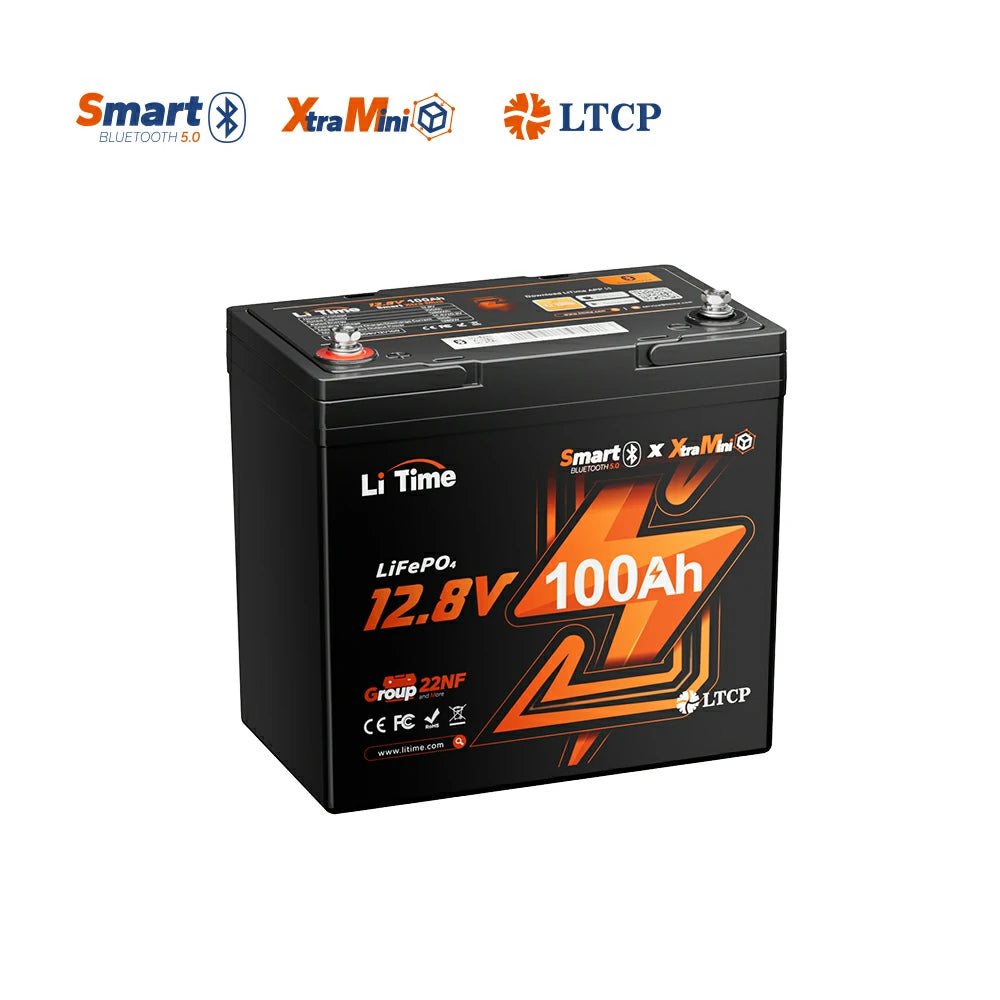
The exact battery discussed here. Check the current US listing, manual and delivery terms. No coupon or product-specific saving is assumed.
The practical takeaway
Use the model-specific chart as a broad cross-check under its stated resting conditions. Keep the charging specification separate, preserve a reserve in your load plan, and investigate inconsistent readings rather than forcing a precise percentage from voltage alone. For dependable planning, the useful question is how the battery behaves with your documented load and equipment—not which table cell a live display happens to resemble.